
Merge an SCP Controls
PC and mobile movement, camera, shop, and merge interaction — typical Roblox defaults where the game does not publish a unique bind.
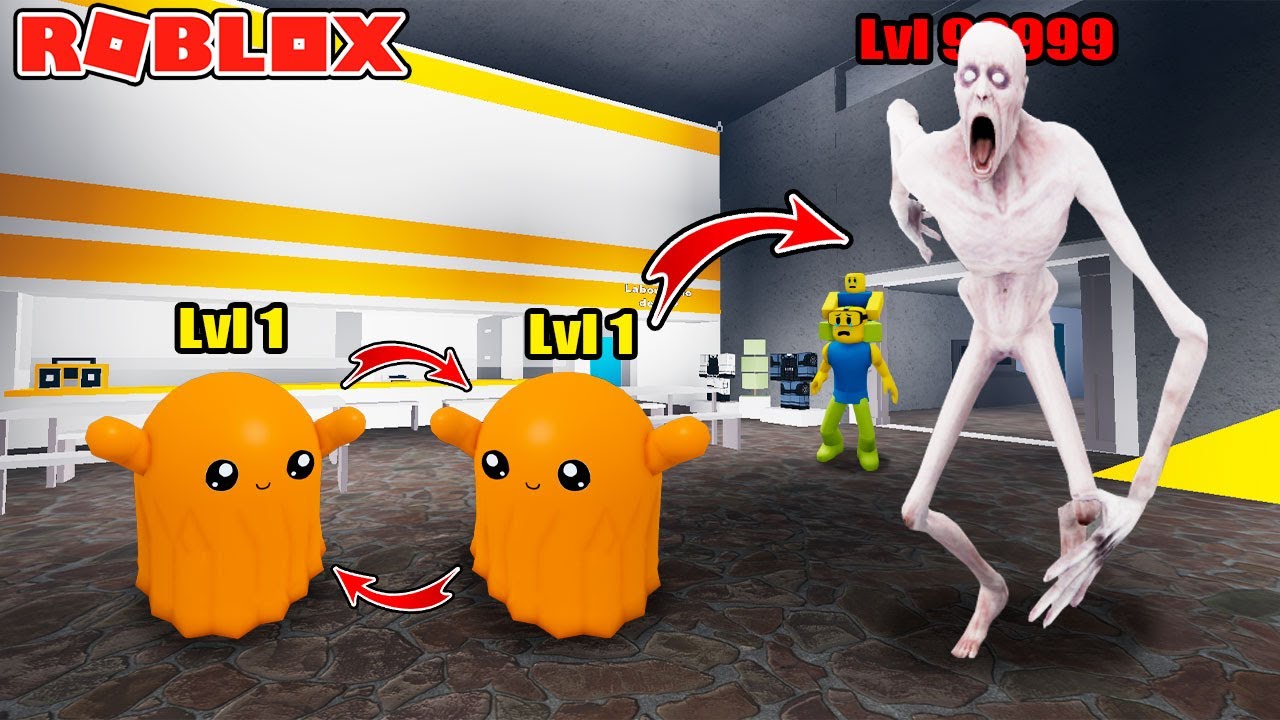
Merge an SCP runs on Roblox, so most of the hands-on feel is Roblox’s default character control with a tycoon shop and a merge pad on top. Merge Empire did not ship a fighting-game input list. If a video overlay shows a key this page does not, treat the overlay as that creator’s UI, not as an official manual. This guide labels typical Roblox controls where the experience has no unique published bind, then explains the clicks that actually belong to SCP Merge: shop purchases, merge interaction, orb pickup, and the code field if it appears.
If you have not bought SCP-999 yet, pair this page with Getting Started. Controls will not merge copies for you.
PC: typical Roblox movement
On a keyboard and mouse, movement is the usual Roblox set unless you remapped it in Roblox settings:
- WASD moves the R6 avatar.
- Mouse look aims the camera. Right mouse is the typical hold-to-look behavior in many Roblox experiences if the camera is not already locked; if look feels inverted or sticky, check Roblox’s camera mode (classic, follow, or camera toggle) rather than hunting a Merge an SCP ini file that does not exist.
- Space jumps. Shift is often sprint in Roblox experiences that enable it; if sprint does nothing here, there is no hidden Merge Empire sprint key to invent.
- Left click is the typical interact / fire click. Use it on shop buttons, on merge-related prompts, and on a gun during Boss Rounds.
- Esc opens the Roblox menu (leave, shift lock, volume), not a unique SCP pause screen.
Shift lock, if you enable it in Roblox settings, can make gun lanes easier because the character faces the camera heading. That is a Roblox setting, not a Merge an SCP unlock. Turn it off if it makes the shop cursor annoying.
Do not expect one-key merge macros from the vanilla client. If a copy merges when you walk matching models together or when a shop stack lands, that is the game logic, not a missing F-key. How to Merge SCPs explains the copy counts; this page only tells you how to stand there and click.
Mobile: thumbstick, jump, tap
On a phone or tablet you get the typical Roblox touch overlay: a left thumbstick to move, a jump button, and tap-to-look by dragging the empty screen. Tap world objects and UI buttons to interact. Pinch or the camera-mode toggle in Roblox settings if the lab feels too close. There is no official Merge an SCP six-button mobile layout to memorize.
Shop UI on a small screen is the hard part. Zoom the camera out before you open the shop so you can still see floor orbs when the menu closes. If a finger keeps firing a gun while you meant to press buy, close the tool, complete the purchase, then re-equip. During a containment alarm, use two thumbs: move and look, not shop.
R6 morphs can change the silhouette you are used to. A wide SCP model may hide buttons. Move the camera above the pad rather than fighting the morph. Costume notes live on Morphs and Costumes.
Camera: see the pad, see the floor
The camera is a cash tool. If it sits in first-person on a crowded merge pile, you will miss orbs. If it sits too high, you will miss a shop prompt. Typical Roblox zoom (scroll wheel on PC, pinch on mobile) is enough. Keep a view that shows:
- your merge copies
- the floor around the pad
- the approach a boss round uses
When an alarm starts, stop zooming for beauty shots. Hold a medium view, face the lane, shoot. When the wave ends, tilt down and walk pickups — that is the How to Farm Cash circuit, driven by camera as much as by WASD.
If the camera clips inside a morph, zoom out or switch the costume off for the fight. Promo looks such as SCP-173 are for display until you can aim.
Shop and merge interaction
Open the shop from the on-screen tycoon button, not from a made-up keyboard chord. Click or tap the SCP you want. Confirm the spend. Watch the pad. If you bought a matching copy, wait for the merge or buy the rest of the set. Early rungs commonly need three copies; later rungs usually need two. A bulk purchase around 100 can auto-merge. None of that is a keybind. It is shop logic described on How to Merge SCPs.
Interactable merge objects, if they highlight, use the same click / tap as other Roblox prompts. Walk close enough for the prompt. If nothing highlights, you are probably waiting on copy count, not on a missing key.
Guns use the same primary click. Equip from the Roblox backpack / hotbar if the SMG went there after purchase — that backpack is typical Roblox inventory, not a unique SCP radial. Number keys 1–0 are the typical hotbar selects on PC. On mobile, tap the tool slot. Do not invent reload keys unless the tool UI shows one; many Roblox guns reload automatically or on the same click.
Codes UI, without inventing a key
No public promo codes were confirmed as of 2026-09-06. You still may see a codes, Twitter, or shop gift button in some sessions. This wiki will not invent a key named “C” or a secret statue. If a field exists, the click path is on how to redeem. If it does not exist, do not stand in the lab typing into Roblox chat hoping the experience listens. Chat is not a confirmed redeem channel here.
The Roblox hamburger / Esc menu is for settings and leaving, not for Merge Empire rewards. Group rewards, if any, would be Roblox platform prompts, not a control listed on this page.
If a button does nothing
First confirm you are in SCP Merge by Merge Empire, not a copycat place. Then check whether you are clicking UI through a morph, whether shift lock stole the cursor, and whether a containment round is live. A dead shop button during an alarm is a reason to fight, not to rebind keys. A dead merge is usually copy count — two early 999s waiting on a third — which Getting Started and How to Merge SCPs already cover.
Remap only inside Roblox’s own settings if a physical keyboard needs it. Do not download a control “script.” Injected input tools sit in the same risk bucket as auto-merge executors on the Scripts Hub. If the problem is aim during breaches, practice in your slot with the cheap SMG, using Boss Rounds for positioning rather than a new keybind. If the problem is missing money, the floor is the control: walk it, using How to Farm Cash as the route. This controls page ends where the unique SCP Merge inputs end — shop, pad, gun click — and refuses to invent the rest.
Frequently Asked Questions
Quick answers to the most common Merge an SCP questions.
What are the PC controls for Merge an SCP?
Typical Roblox defaults: WASD move, mouse look, space jump, left click to interact or fire, Esc for the Roblox menu. The game does not publish a unique merge key. Shop and pad clicks are the SCP-specific part.
How do I play Merge an SCP on mobile?
Use the usual Roblox thumbstick, jump button, and tap/drag camera. Tap shop buttons and world prompts. Zoom out so orbs stay visible when menus close.
Why will my character not merge when I press a key?
Merging is copy logic, not a hotkey. Matching sets combine on the pad or from a bulk buy. See How to Merge SCPs.
Where is the codes button?
If the experience shows a codes or gift field, follow how to redeem. No public promo codes were confirmed as of 2026-09-06, and this page will not invent a keybind for a field that may not exist.
How do I shoot during a boss round?
Equip the gun from the typical Roblox hotbar, then use primary click / tap. Stand in your slot. Positioning is on Boss Rounds.
Should I use a control script or auto-clicker?
No. Injected input sits with other executors on the Scripts Hub and can risk the account. Learn shop and pad clicks by hand.